Progressive Web App (PWA) · 7 min read
What is a progressive web app? A practical guide for businesses
A progressive web app (PWA) is a website built to behave like an app: users can install it on their phone or computer straight from the browser, open it from the home screen, use it offline and receive push notifications, without going through an app store. It runs on one codebase for iPhone, Android and desktop, and every update reaches users the moment you deploy it. This guide explains how a PWA works, what it can and cannot do on each platform, when it is a better choice than a native app, and how to build one that people actually keep on their home screen.
By the Genies of the Web team
What is a progressive web app, in plain terms?
Think of a PWA as a website that has earned the right to live on the home screen. It is built with standard web technologies, opens in any modern browser, and can be found through Google like any other page. Once a visitor installs it, it opens in its own window, without the browser address bar, and looks and feels like an app.
The word progressive matters. A PWA works for everyone, then adds capabilities when the device supports them: offline access on one browser, push notifications on another, installation where it is available. Nobody is locked out because their phone is older or their browser is different.
How does a PWA work under the hood?
Three technical building blocks turn an ordinary website into a progressive web app. None of them is exotic, but each must be implemented carefully for the result to feel reliable.
- HTTPS: a PWA must be served over a secure connection. Browsers refuse to run the key features on an insecure site.
- A web app manifest: a small file that declares the app name, icons, theme colour, start page and display mode. It is what lets the browser offer installation.
- A service worker: a script that sits between the app and the network. It caches files and data, serves them when the connection drops, handles push messages and can sync changes once the user is back online.
- Client-side storage such as IndexedDB, used to keep records, drafts or queued actions on the device until they can be sent to the server.
Our service
Progressive Web App (PWA)
An app users install straight from the browser, with push notifications and offline mode, no app store required.
What can a progressive web app do on iPhone and Android?
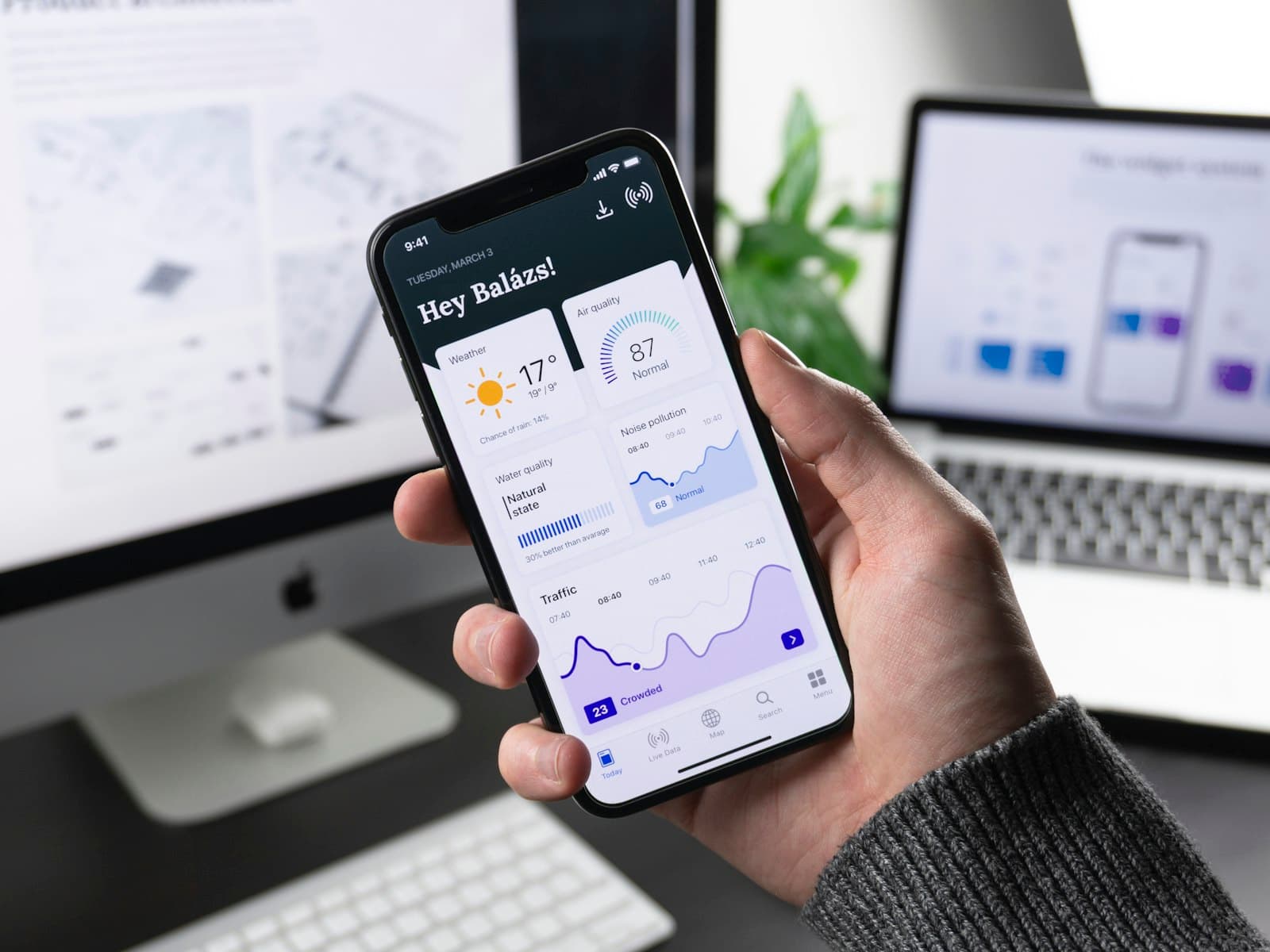
On Android and on desktop browsers based on Chromium, PWAs are first-class citizens. The browser can prompt users to install, push notifications work, and the app can even be listed on Google Play using a Trusted Web Activity wrapper. Microsoft also accepts PWAs in its store for Windows.
On iPhone and iPad, support has improved but comes with conditions. Installation is manual, through the Share menu and Add to Home Screen, with no automatic install banner. Web push notifications work only once the PWA has been added to the home screen and the user has granted permission. Some hardware features, such as Bluetooth and NFC, remain unavailable to web apps on iOS.
In practice, this means your onboarding must show iPhone users how to install the app, in one short visual step, and your notification strategy must not depend on users who never install it.
PWA vs native app: which one should you build?
A PWA is usually the better choice when your users already find you through the web, when you need one product on every device, and when you want to update features continuously. Customer portals, booking tools, internal business apps, field-service apps, dashboards and e-commerce companions are typical fits.
A native app built for iOS and Android makes more sense when the product depends on deep device integration or on being discovered in app stores. If that is your case, our iOS and Android mobile app development work covers native and cross-platform builds.
- Choose a PWA for reach, one codebase, instant updates, SEO visibility and no store review process.
- Choose native for intensive background processing, advanced camera or sensor work, Bluetooth accessories, or a product whose growth relies on app store search.
- Consider both when a PWA can launch the product and validate demand before investing in store apps for your most engaged users.
Which businesses benefit most from a PWA?
The strongest cases share a pattern: people use the tool repeatedly, often on the move, and do not want yet another download. A technician filling in reports in a basement with no signal, a sales rep checking stock on a phone, a customer tracking an order, a team member logging hours: all of them gain from an app that opens instantly and keeps working offline.
PWAs also suit businesses that already run a web platform and want an app experience without rebuilding everything. The same backend and much of the same interface can be reused, which keeps the product coherent. For desktop-heavy workflows, a PWA can also replace a traditional installed program; when it cannot, desktop software and browser extensions are the next option to weigh.
How do you build a PWA that people keep using?
Ticking the technical boxes is the easy part. A PWA earns its place on the home screen only if it is fast, dependable and clearly worth installing.
Design offline-first: decide which screens and actions must work without a connection, what happens to a form submitted offline, and how conflicts are resolved when two devices edit the same record. These are product decisions as much as technical ones, so settle them before development starts.
- Explain installation at the right moment, after the user has seen value, with platform-specific instructions for iPhone.
- Ask for notification permission only after explaining what the user will receive, never on the first visit.
- Keep the app shell light so the first screen appears instantly, even on a weak mobile connection.
- Plan updates: tell users when a new version is ready instead of silently mixing old cached files with new code.
- Test on real devices, including older iPhones and mid-range Android phones, in airplane mode and on poor networks.
Is a progressive web app good for SEO?
Yes, as long as it is built like a proper website. Because a PWA lives at a normal URL, its public pages can be indexed and ranked, something a native app cannot offer. Server-side rendering or static generation, with frameworks such as Next.js, ensures search engines see real content rather than an empty shell waiting for JavaScript.
The usual web performance rules apply: good Core Web Vitals, clean URLs, structured data and unique content on each public page. Private areas behind a login, such as dashboards, are not meant to rank and can stay app-like.
What are the common mistakes when building a PWA?
The most frequent mistake is treating a PWA as a checkbox added to an existing site: a manifest, a basic service worker, and nothing designed for offline use. Users install it, open it without signal, and see an error page. Trust is lost immediately.
Other pitfalls include caching too aggressively, so users are stuck on an old version; forgetting iOS limitations when planning notifications; and ignoring storage limits, which can cause the browser to clear data on devices short of space. A clear caching strategy, tools like Workbox and a versioning plan prevent most of these issues.
How can we help you build your progressive web app?
We design and develop progressive web apps for iPhone, Android and desktop, from the offline strategy and push notifications to user accounts and secure payments, including a custom checkout flow when the app sells. You can see how this fits our wider mobile and app expertise, and if your PWA is the first version of a subscription product, our guide on scoping a SaaS MVP will help you decide what goes into the first release.
Every bug on what we build is fixed for life, and you can message us on WhatsApp any time. When you are ready, describe your project and request a free, no-obligation quote.
Frequently asked questions
Is a PWA the same as a mobile website?
No. A mobile website simply adapts to small screens. A PWA adds installation, offline access, push notifications and an app-like window, so it behaves like an app while remaining reachable at a normal web address.
Can a PWA be published on the App Store or Google Play?
On Google Play, yes: a PWA can be packaged with a Trusted Web Activity and listed like any app. Apple is much stricter and generally rejects apps that are only a wrapped website, so on iPhone a PWA is usually installed directly from Safari.
Do PWA push notifications work on iPhone?
Yes, on recent versions of iOS, but only after the user has added the PWA to the home screen and accepted notifications. Users who keep browsing in Safari without installing will not receive them, so plan another channel such as email for those users.
Does a PWA work without an internet connection?
It can, if it is designed for it. The service worker stores the interface and selected data on the device, and actions taken offline can be queued and synced later. What works offline is a design decision made screen by screen.
Which framework is best for building a PWA?
Any modern web framework can produce a PWA. Next.js, React, Vue and Angular are common choices, combined with a service worker library such as Workbox. The framework matters less than the caching strategy and the quality of the offline experience.